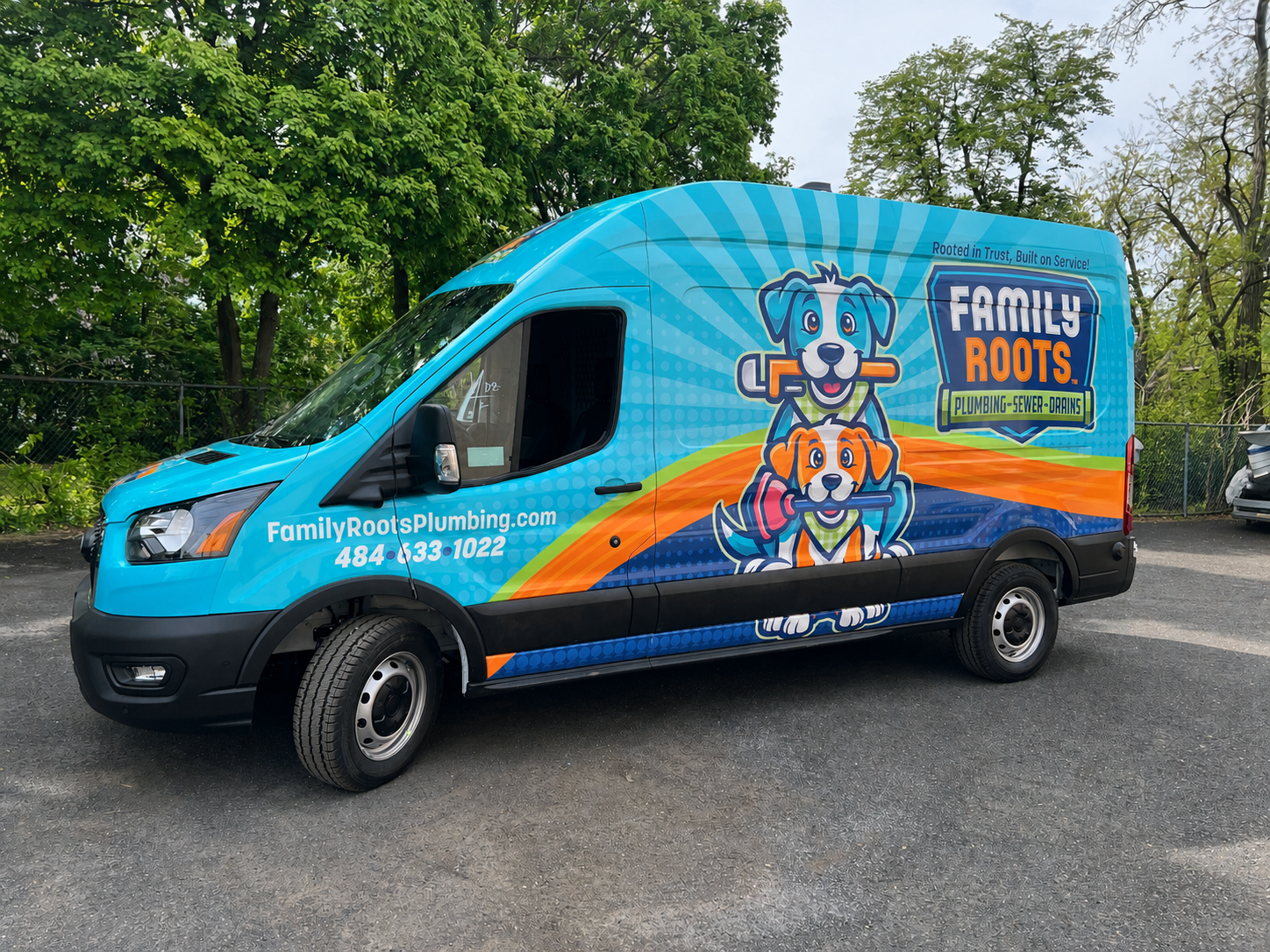
Great-looking wraps, lettering and signs start with good artwork. This plain-English guide from On The Spot explains which files work best and why, so your project prints sharp and stays on schedule. Don't have files like these? No problem. Our in-house design team can help, though artwork that doesn't meet these guidelines may add design charges to your order.
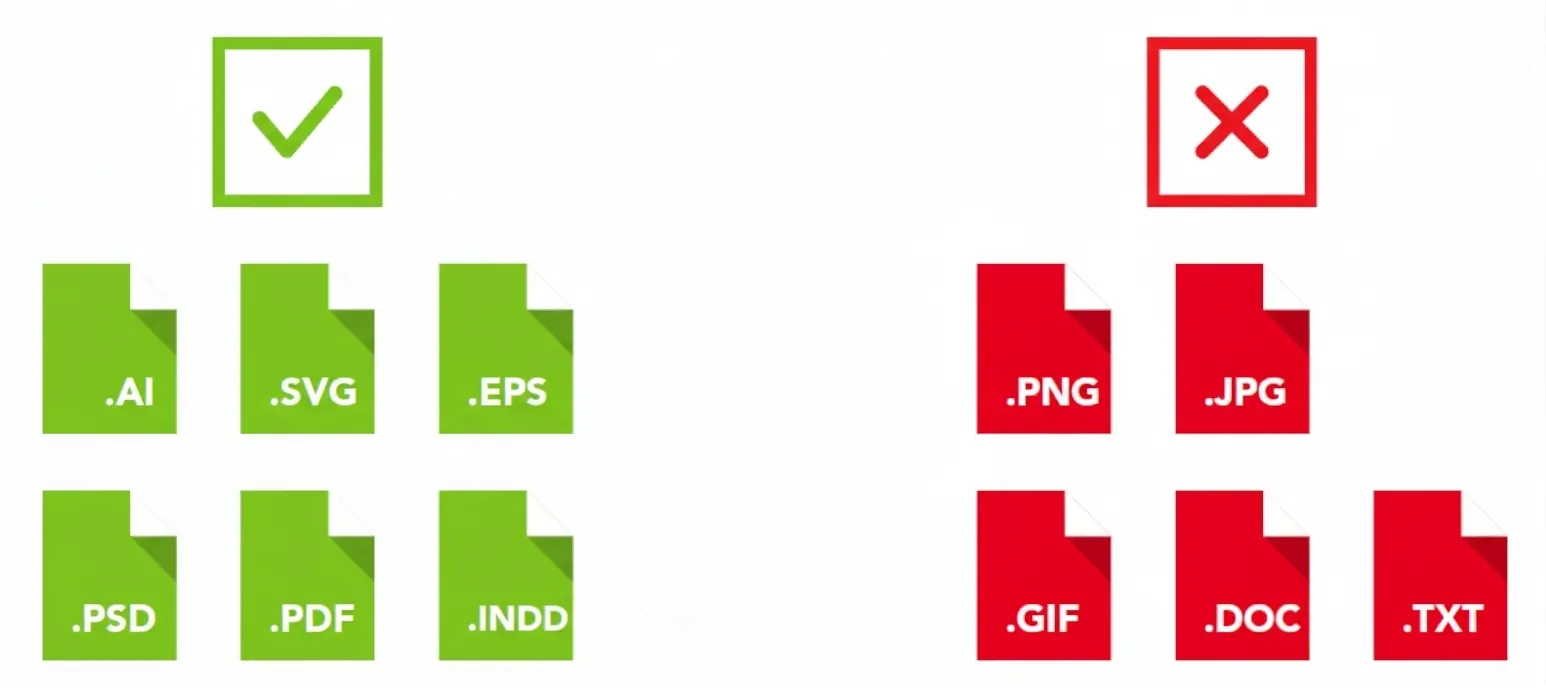
Q: What kind of files should I send?
A: The best files are the ones your designer works in: Adobe Illustrator (.ai), .svg, .eps, .pdf, Photoshop (.psd) or InDesign (.indd). These hold all the detail we need to print large. Please avoid .png, .jpg and .gif images, Word documents (.doc) and plain text files (.txt). They're fine for showing us an idea, but they usually aren't sharp enough to print on a vehicle or sign.
Q: What's the best way to send my logo?
A: Ask whoever designed your logo for the "vector" version. It usually ends in .ai, .eps, .svg or .pdf. A vector logo stays crisp at any size, from a business card to the side of a box truck. A logo saved from your website, email signature or social media is almost always too small and will print blurry.
Q: How do you match my brand colors?
A: Send your brand or style guide if you have one. If you know your Pantone (PMS) color numbers, include them. They're the most reliable way for us to match your colors closely. Keep in mind that colors on a phone or computer screen look a little different from printed vinyl, so the color numbers matter more than how it looks on screen.
Q: What about fonts and wording?
A: We may not have the same fonts your designer used, which can change how your text looks. Ask your designer to convert all text to outlines, or to send a "packaged" Illustrator file that includes the fonts so we can still edit the wording if needed. Please proofread everything carefully. We print exactly what's in your file, and On The Spot isn't responsible for typos in supplied artwork.
Q: Can I use photos in my design?
A: Yes, as long as they're high resolution: at least 300 dpi at the size they'll be printed. Photos copied from a website or sent by text are usually too small and will look fuzzy when enlarged. If you're buying a stock photo, download the largest size available.
Q: What size should my artwork be?
A: Set up your artwork at the actual size it will be printed, and tell us the exact width and height. Let us know about any special shapes, cut-outs or details, too. Not sure of the measurements? Just ask, and we'll help you figure it out.
Q: I have a designer. What should I pass along to them?
A: Share this quick checklist: set up the file in CMYK color mode at final print size; convert text to outlines (or package the fonts); outline or expand all strokes, and set strokes and effects to scale with the artwork; embed (don't link) all images at 300 dpi or higher; flatten transparency and effects; and align and space everything cleanly so it's easy to read.
Q: What if I don't have files like these?
A: Send us what you have. Our in-house design team can recreate your logo or build your artwork from scratch. Just keep in mind that files that don't meet these guidelines take extra design time, which may add design charges to your order.
Q: Where do I send my files?
A: Email your artwork and brand guide to design@onthespotsignage.com. For large files, share a Google Drive or Dropbox link instead of attaching them. Working on a vehicle wrap or lettering project? You can also add your file link to our Design Intake form.


.png)